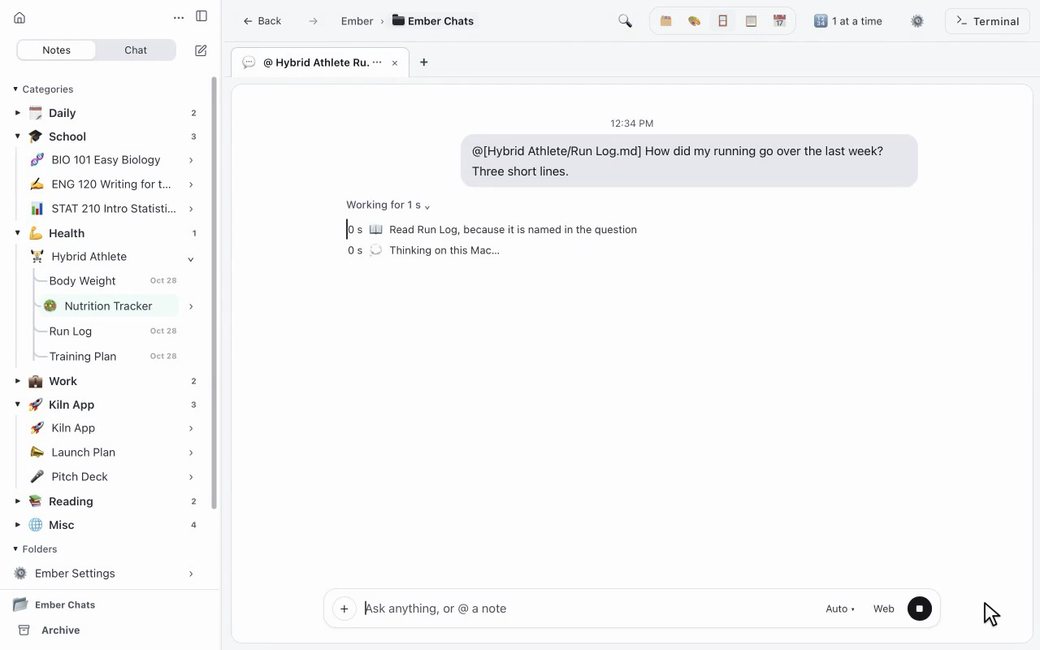
Drag a note into the chat and ask about it. Ember sends that note with your question.
Ember is a notebook of plain files on your Mac. The AI you sign in with reads the notes you hand it, and writes there.
For Apple Silicon Macs (M1 and later) on macOS 14 or later. Free.
Windows is on its way.
Summarize a folder or the notes you have open
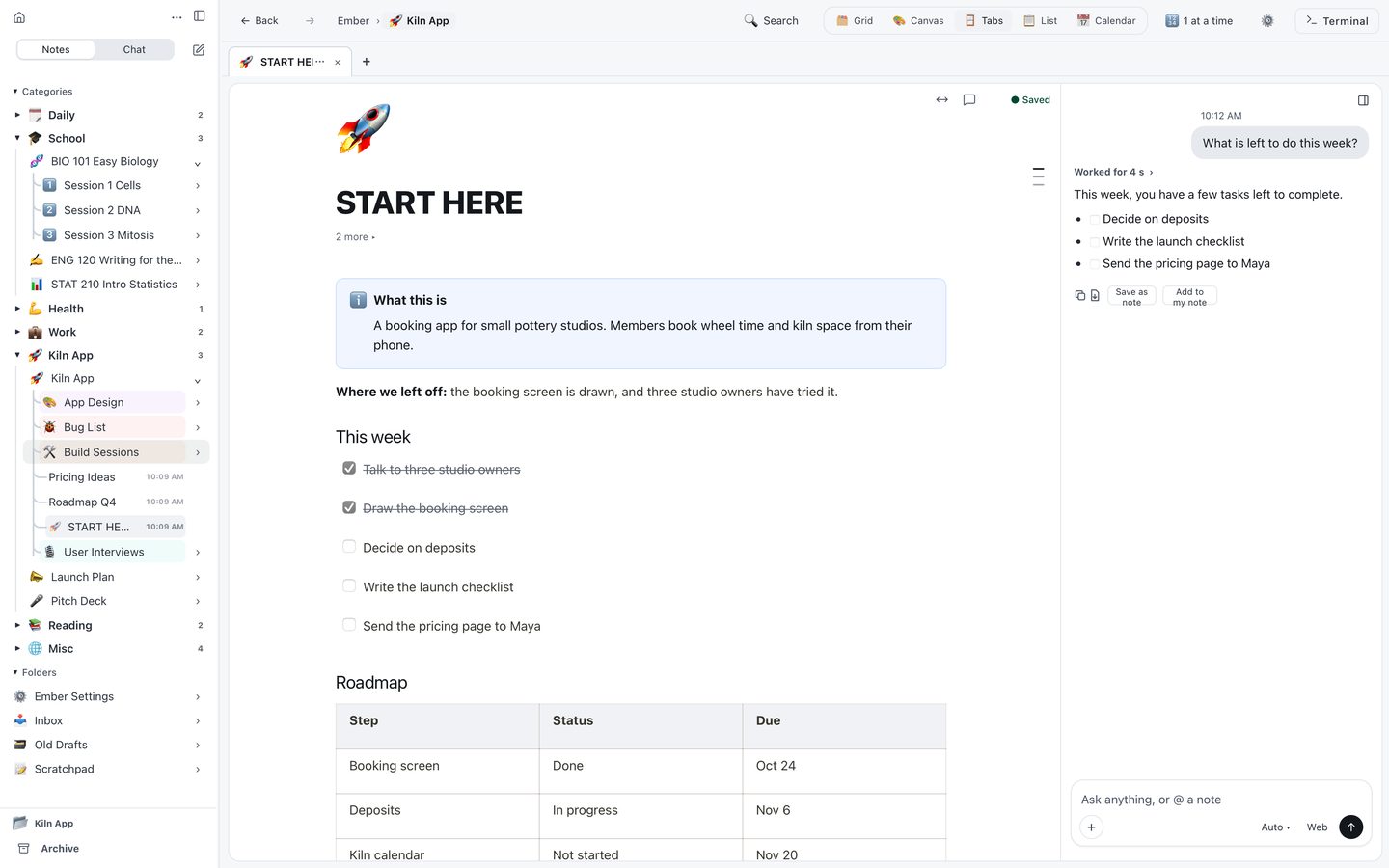
Task boxes you can tick
A chat can sit beside the note you are writing
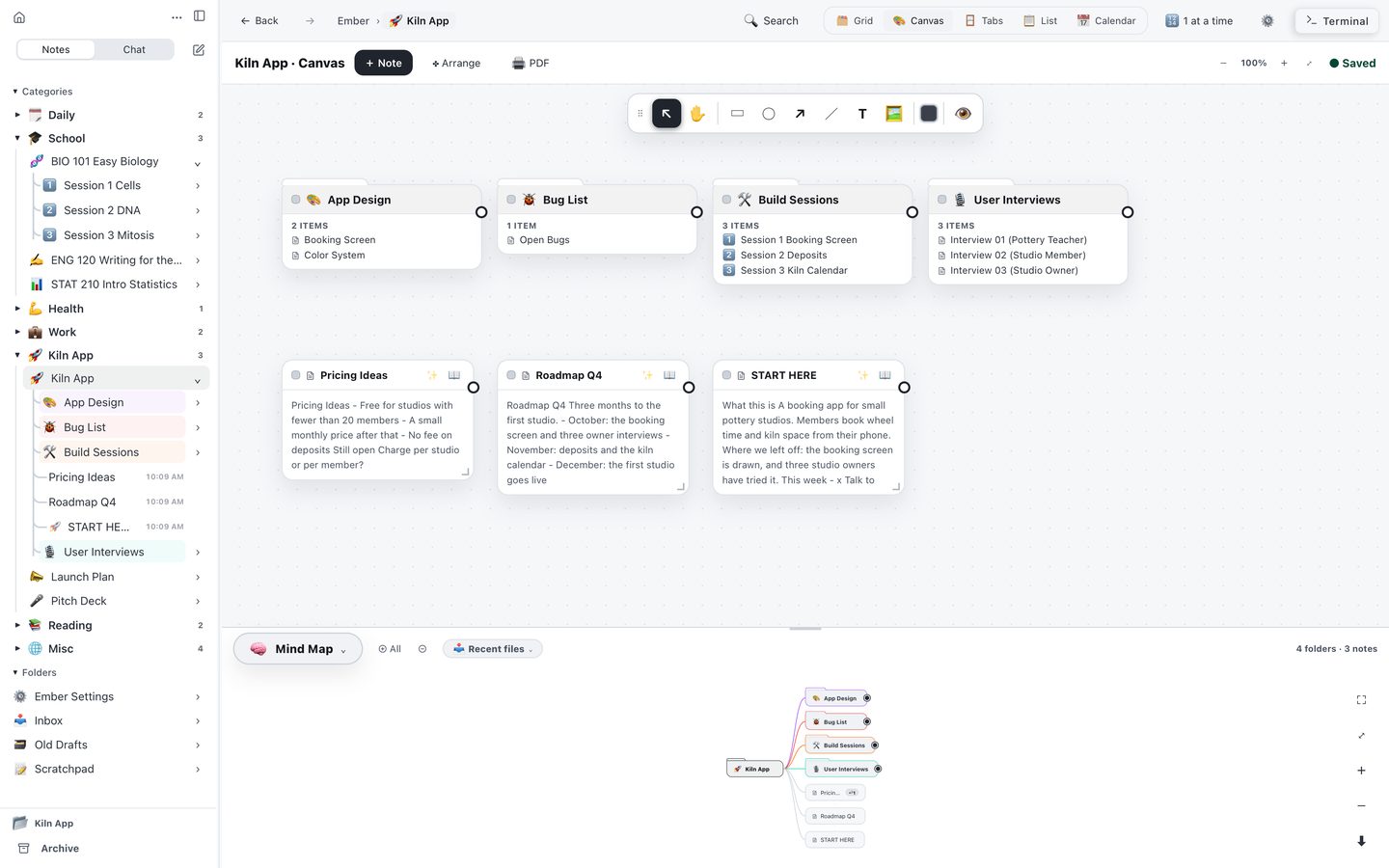
A mind map of your notes
Drag a note into the chat and ask about it. Ember sends that note with your question.
Run real commands and the command-line AI tools you already use, next to your notes. No second app, no window to switch to. Drag a note or a file straight into the terminal and keep going.
Sign in with Claude, ChatGPT, or Google. No keys, no setup. Switch your AI any time in Settings. Or stay on your own Mac with the free Ollama app, even with the Wi-Fi off. The Ollama app reads and answers; changing a note takes Claude, ChatGPT or Gemini. Notes the AI reads go to that AI over the internet. With the free Ollama app, no note leaves your Mac.
Sign in with an account you already have. No keys, no setup.
Bring the AI you already have: sign in with Claude, ChatGPT or Google, or use the free Ollama app. Ember adds no AI bill of its own.
An AI can only read what it is sent. Here is what Ember sends, and what stays with you.
Your notes are plain Markdown files on your Mac, and so is every chat. Open them in any editor, back them up, or read them ten years from now. What Ember's chat is told about you is one note, About You, that you can read and change. Walk away whenever you want. It was always yours.
Write in blocks and type / for any kind of block. Press Space on an empty line and the AI writes there.
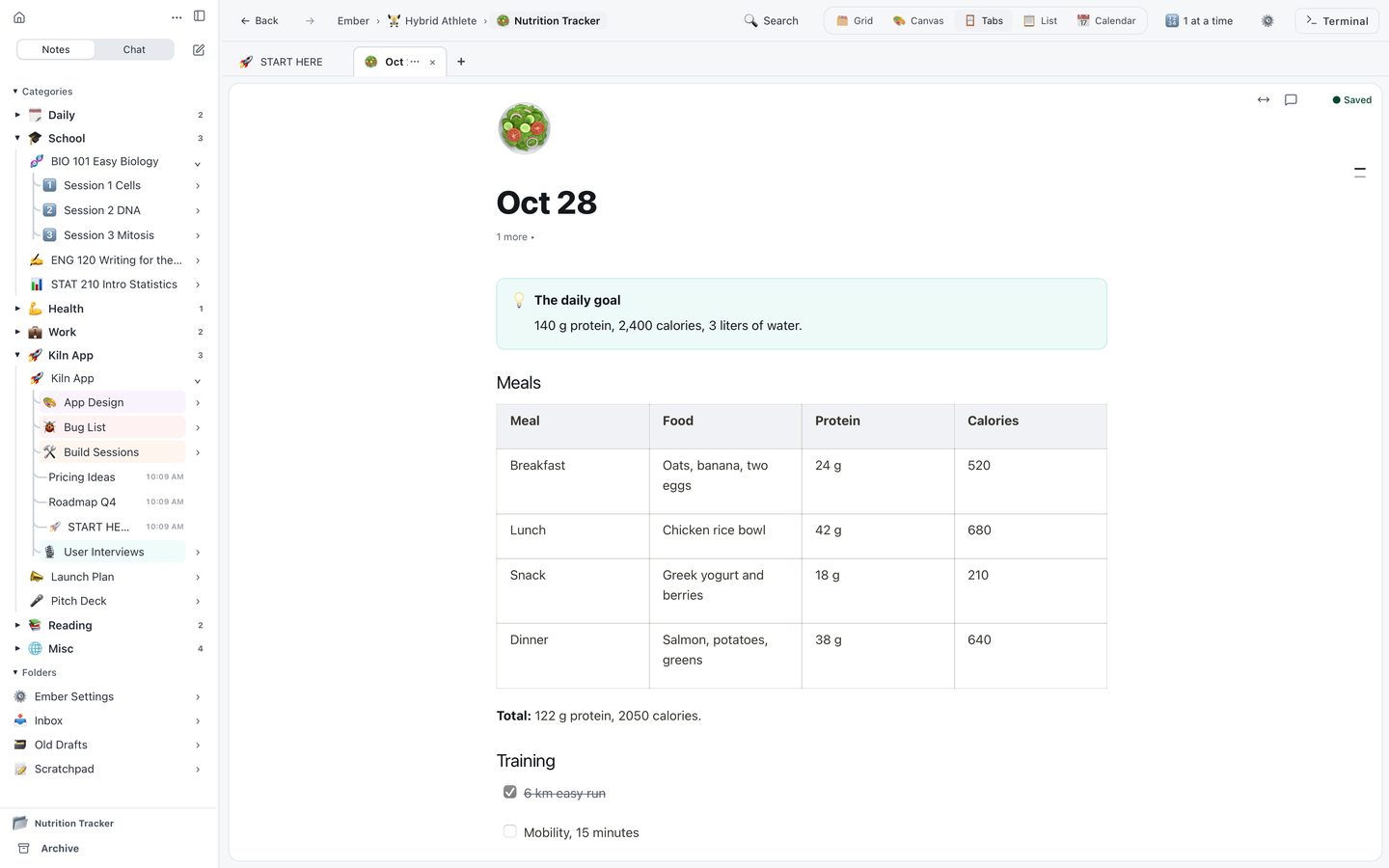
An eating plan as Ember draws it: a goal callout, a meals table, headings and training ticks.
Notes, blocks, and a mind map on one open canvas. No plugins to install, no setup to learn.
You do not have to give one AI company everything about you. Your notes stay in a folder on your Mac. Your notes reach an AI only when you ask for something, or when Ember suggests your next words as you type. Ember has no ads and does not track you.
I am building Ember on my own. If it earns a place on your Mac, a coffee keeps me going. No pressure at all, and thank you for trying it.
Nabeel, the maker of Ember
☕ Buy me a coffee